
[PRO] Stock
This feature lets you save comments from users.
Note
This feature requires PRO
The stock feature lets you record and keep any comment you choose.
Stocked comments remain even after you close OneComme.
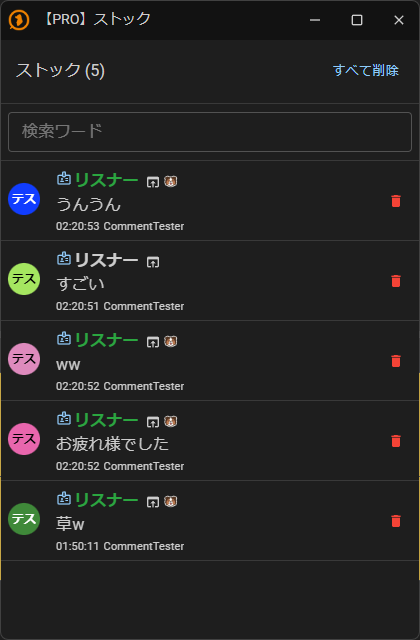 Search for...TesTesTesTesYeah yeahAmazingGood workClear stock
How to use
- In the comment panel, click the stock button on the comment from the user you want to stock
- Click Stocked comments at the top of the comment panel to open a separate window
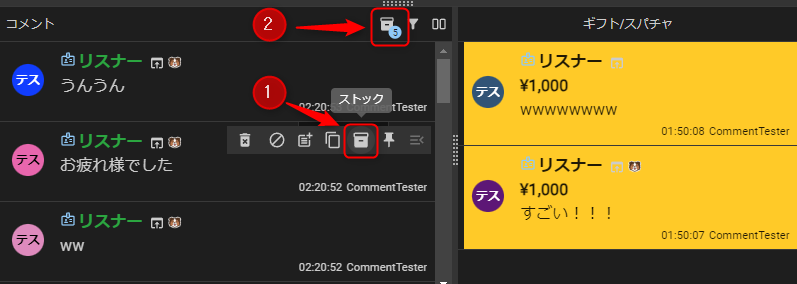 CommentsTesYeah yeahStocked commentsGood work