
API settings
Configure settings related to the OneComme API.
App screen
Open the top-right menu > Settings > "API" tab.
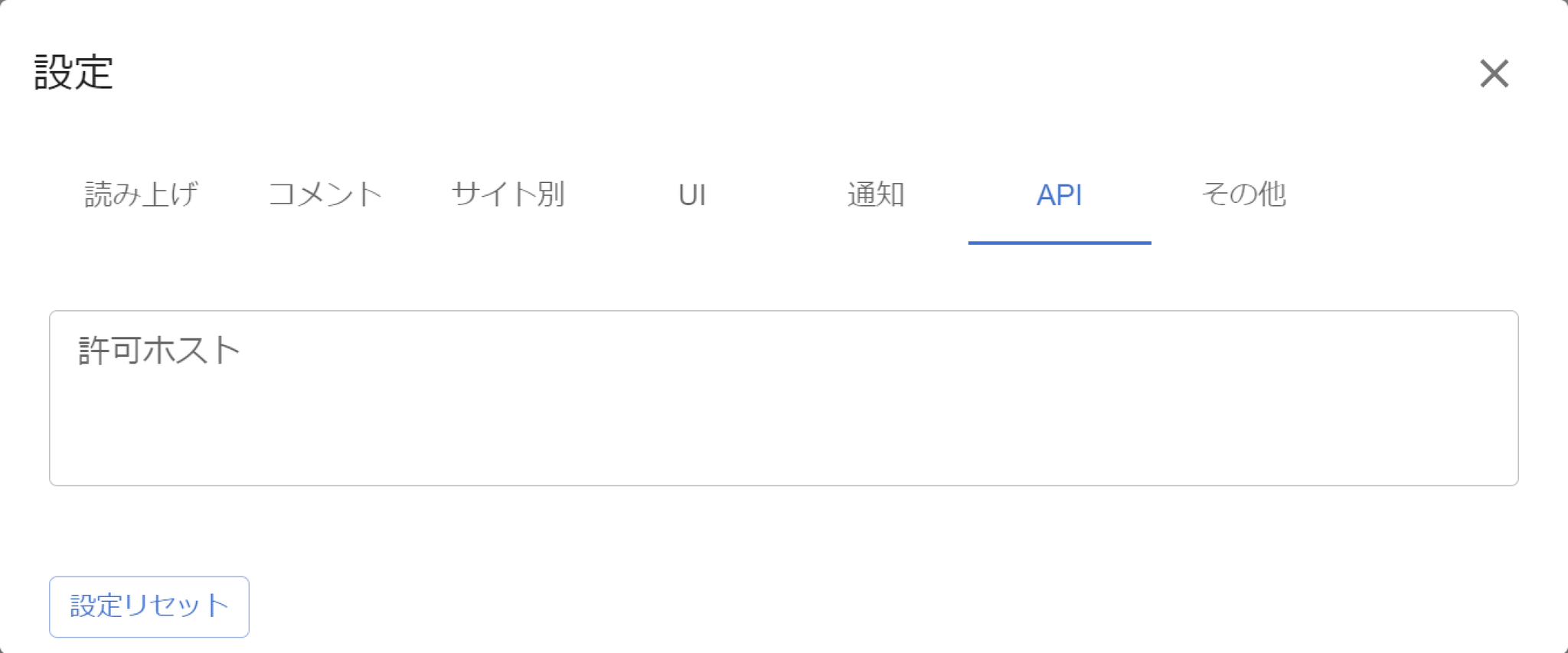 SettingsSpeechCommentsWebsite specificWebsite specificAllowed hostsReset SettingsOthers
App screen item descriptions
| 許可ホスト | Enter one host per line to specify which hosts the OneComme API can access. The following local IP ranges are allowed by default: 10.0.0.0 – 10.255.255.255 172.16.0.0 – 172.31.255.255 192.168.0.0 – 192.168.255.255 localhost, 127.0.0.1, and [::1] (the IPv6 loopback; 9.2 and later) are always allowed. Lines enclosed in "/" are treated as regular expressions. Lines with invalid regular expressions are ignored, and the other lines remain in effect (9.2 and later). |
|---|---|
| Reset Settings | Resets the "API" settings to their default values. |