
Can't find your YouTube channel, or some data isn't being retrieved
This happens when permission to access your YouTube channel information hasn't been granted during YouTube integration.
When your YouTube channel can't be found
Sometimes the app fails to find your YouTube channel when connecting.
Click "Add" in the upper left of the app to create a new stream, then enter the channel URL into the Stream URL field again and reconnect.
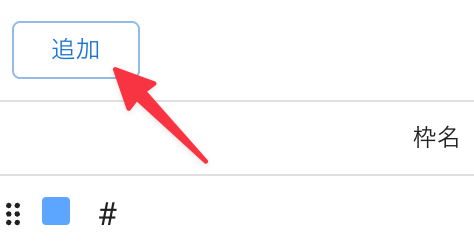 AddStream Name
This is caused by not having granted permission to access your YouTube channel information.
Click the Login Status icon at the top of the app, then click YouTube.
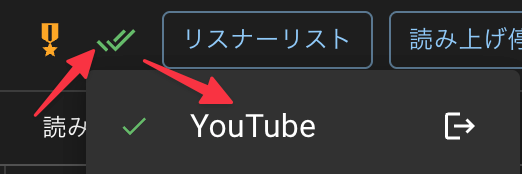 ReadCommentersSpeech
If you've already linked your account but don't have enough permissions, the number of authorized services will show as 1, as in the image below.
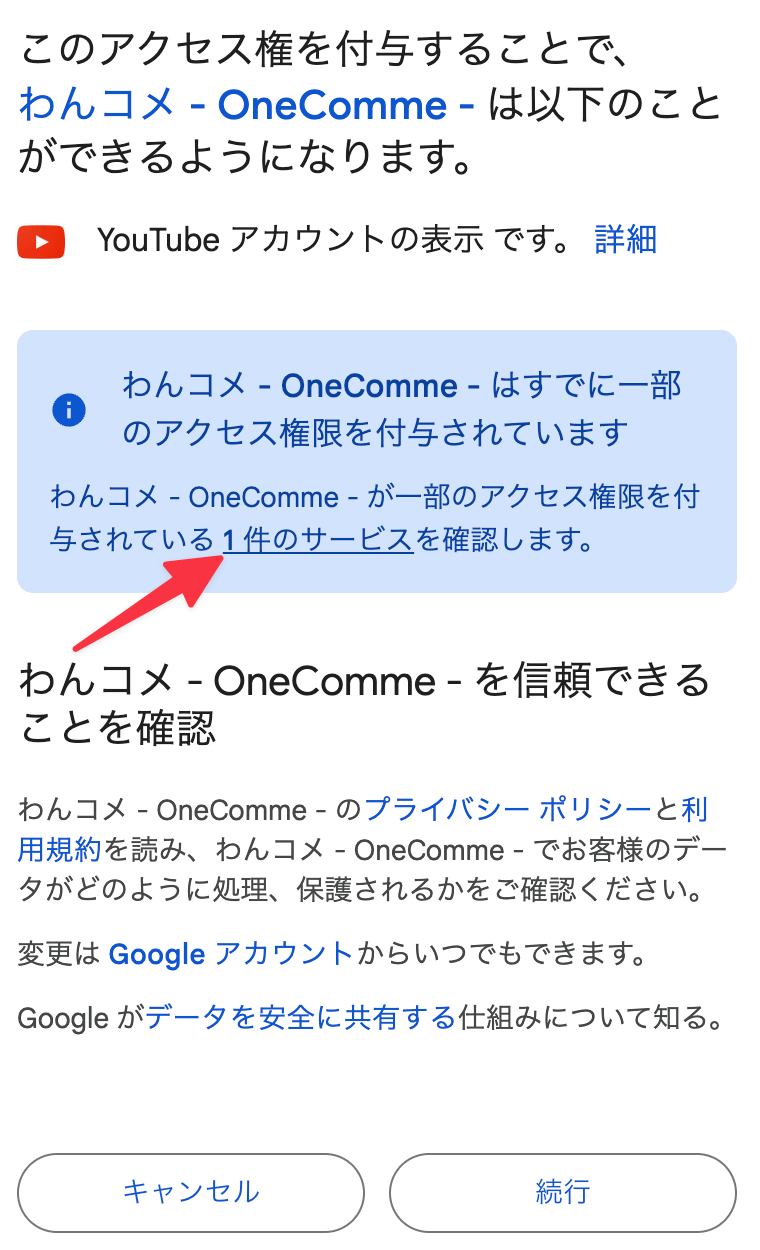 By granting this accessyou will be able tohas been granted access toOneComme has been granted someaccess. Review 1 serviceConfirm thatRead the Terms and see how OneCommehandles and protects your dataYou can change this anytime in your Google AccountLearn how Google shares data safelyCancelContinue
In this state, channel information can't be retrieved, so click "Continue" to proceed with the authorization process.
Once this is complete, reconnect and your channel information will now be retrieved successfully.