
Comments not showing up in OBS
Are comments showing up in OneComme?
If not, check the following steps
Are Connect and Publish turned on?
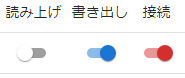 SpeechExportConnect
Is the template path correct?
C:\Users\[USER_NAME]\AppData\Roaming\OneComme\template\[Template name]\index.html
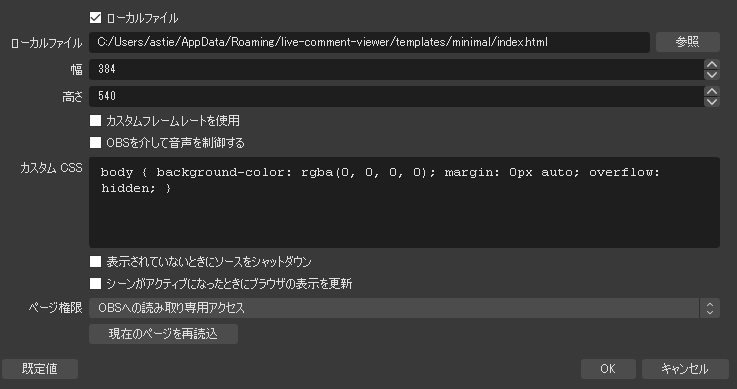 Local fileHeightLocal fileUse custom frame rateControl audio via OBSBrowsePage permissionsShut down source when not visibleRefresh browser when scene becomes activeRead-only access to OBSReload current pageDefaultCancel
Does the template path contain full-width spaces?
Note
Due to how OBS works, some features may not work correctly if the path contains Japanese characters or full-width spaces
Are you using a template from before version 4?
Templates from before version 4 may not work with OneComme version 5 or later
Follow the migration guide to replace the template
Does your PC have a graphics card?
■ Yes
Go to OBS Settings > Advanced > Sources, and check "Enable Browser Source Hardware Acceleration"
■ No
Uncheck the hardware acceleration option mentioned above
Tried the above but it's still not working
Try restarting OBS
Still not resolved after restarting
If the issue persists, report the details in a forum question